
Cardio Spirograph7.1 - Google Play
You'll be able to see results in few seconds.
Publisher Description
Поддержка русского языка.
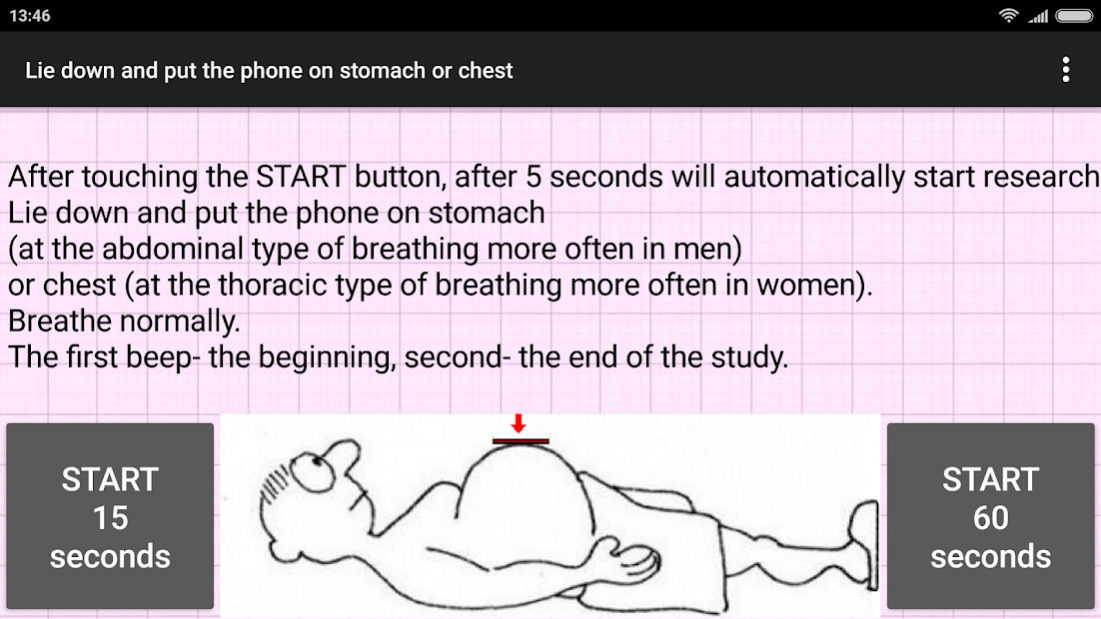
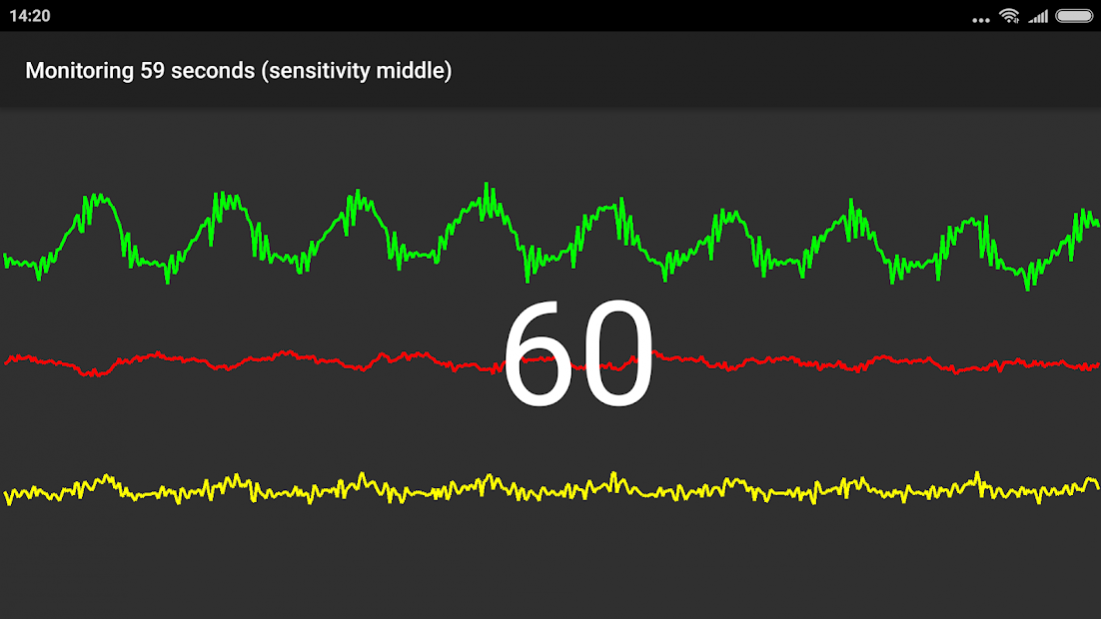
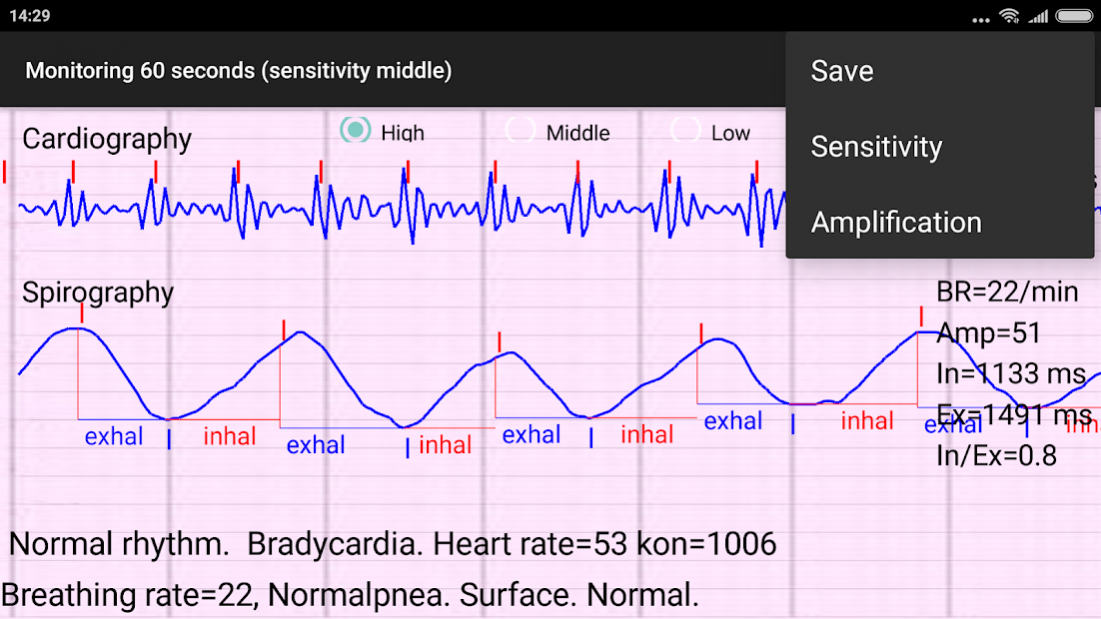
Application Cardio-Spirograph with built-in mobile device accelerometer detects vibrations of the human body, due to the work of the heart and respiration. Analyzes intervals of heart rate, respiratory phases and allows you to define:
- heart rate,
- Interval RR.
The application calculates the following indicators of breathing:
- respiratory rate,
- deep breathing,
- regular breathing,
- ratio phases of inhalation and exhalation
- presence of respiratory pauses.
Disclaimer.
The results may be erroneous.
The app uses an accelerometer sensor for heartbeat and breathing.
The reliability of the results of the study depends on many factors:
• the specifications of the phone (accelerometer sensitivity, CPU power),
• the site of the sensor (the abdomen at the abdominal type of breathing, more common in men or chest thoracic type of breathing, often women).
the thickness of the fat layer, the nature of breathing, etc.
This App does Not replace medical examination.
About Cardio Spirograph
The company that develops Cardio Spirograph is Yurii Shevchenko. The latest version released by its developer is 7.1.
To install Cardio Spirograph on your Android device, just click the green Continue To App button above to start the installation process. The app is listed on our website since 2020-01-25 and was downloaded 0 times. We have already checked if the download link is safe, however for your own protection we recommend that you scan the downloaded app with your antivirus. Your antivirus may detect the Cardio Spirograph as malware as malware if the download link to b4a.cardioresp is broken.
How to install Cardio Spirograph on your Android device:
- Click on the Continue To App button on our website. This will redirect you to Google Play.
- Once the Cardio Spirograph is shown in the Google Play listing of your Android device, you can start its download and installation. Tap on the Install button located below the search bar and to the right of the app icon.
- A pop-up window with the permissions required by Cardio Spirograph will be shown. Click on Accept to continue the process.
- Cardio Spirograph will be downloaded onto your device, displaying a progress. Once the download completes, the installation will start and you'll get a notification after the installation is finished.
Program Details
System requirements
Download information
Pricing
Version History
version 7.1
posted on 2020-01-25
Bugs fixed, improved measurement accuracy
version 7
posted on 2020-01-18
Bugs fixed, data definition accuracy improved.
version 6.5
posted on 2019-11-03
Improved accuracy of determination of teeth of cardiography
version 6.4
posted on 2019-10-13
Some bugs fixed
version 6.3
posted on 2019-09-07
Color errors fixed
version 2,1
posted on 2016-10-26
Bug fixes and other improvements.
Disclaimer
Official Google Play Link
We do not host Cardio Spirograph on our servers. We did not scan it for viruses, adware, spyware or other type of malware. This app is hosted by Google and passed their terms and conditions to be listed there. We recommend caution when installing it.
The Google Play link for Cardio Spirograph is provided to you by apps112.com without any warranties, representations or guarantees of any kind, so access it at your own risk.
If you have questions regarding this particular app contact the publisher directly. For questions about the functionalities of apps112.com contact us.
